
Vion App
Cartoons & Anime
Vion App APK brings cartoons, anime, animated stories and family entertainment together in a simple mobile-friendly interface with easy browsing, smooth playback and useful viewing options.
Download Vion App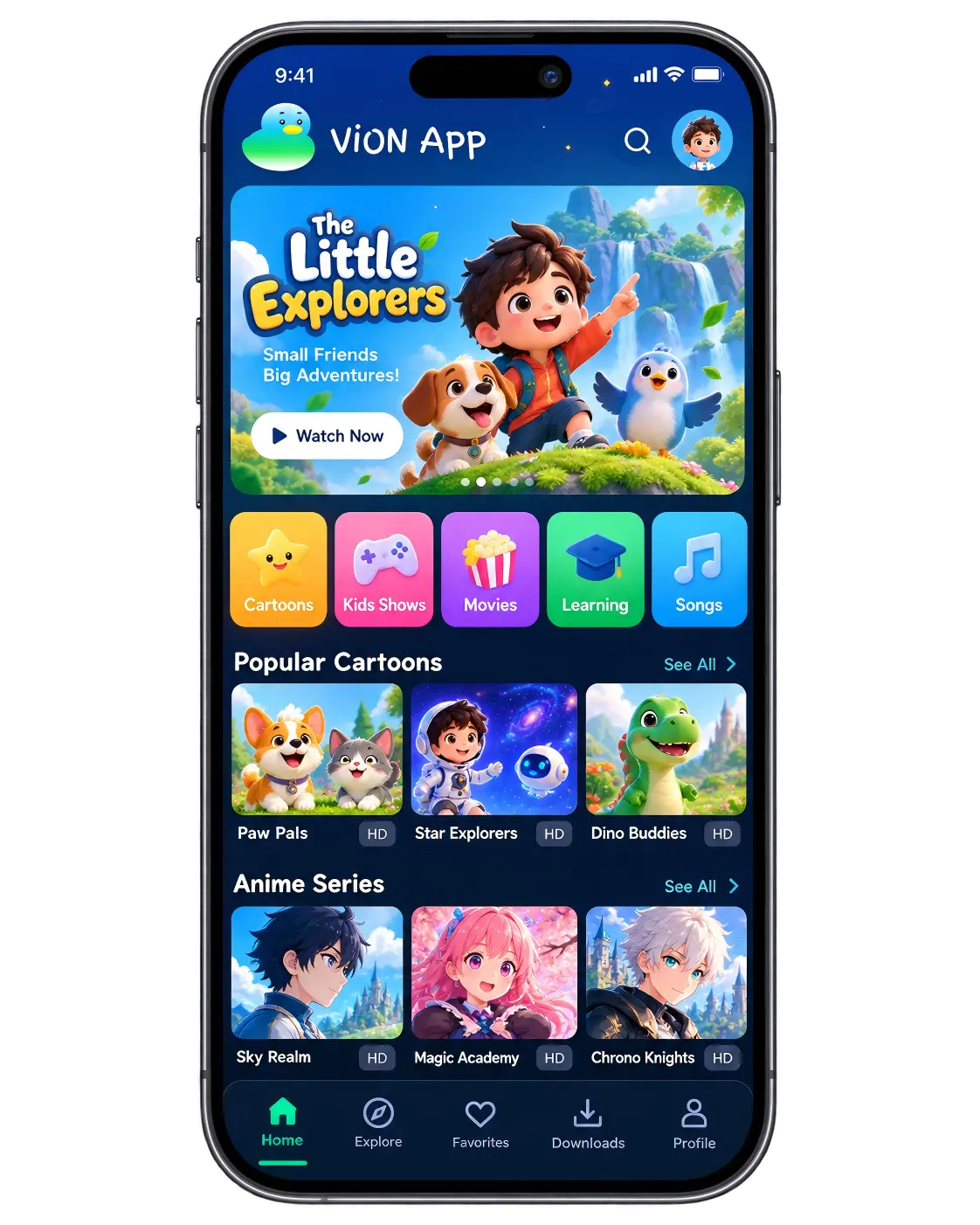
Vion App
Vion App is an entertainment application mainly designed for people who enjoy cartoons, anime, animated shows, and similar video content. It provides different types of animated entertainment in one place, making it easier for users to browse their favorite categories. The application has a simple layout that anyone can understand without technical knowledge. Users can search for content, open different sections, and watch available videos directly from their mobile devices. Its main focus is to provide an easy and organized viewing experience for animation lovers.
Overview of Vion Application
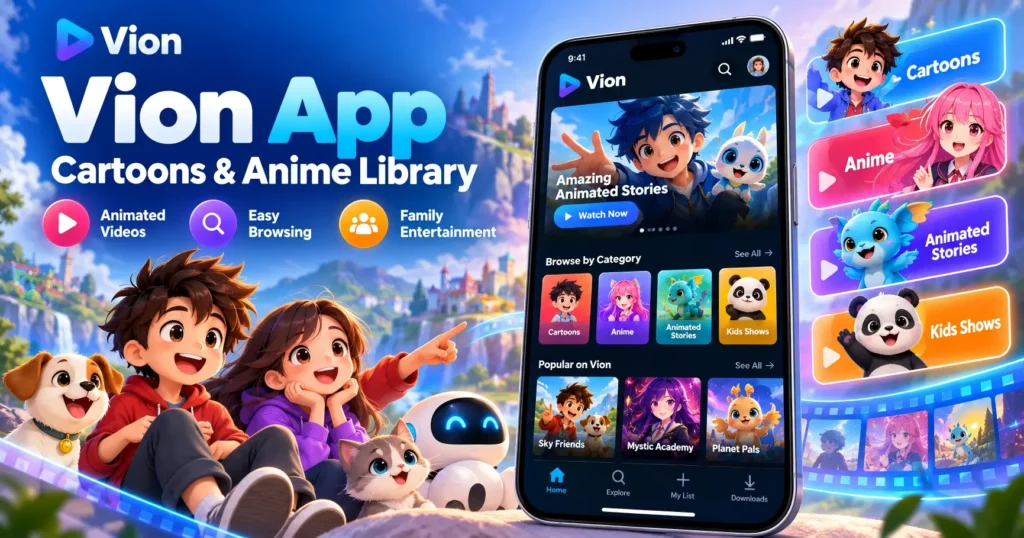
The Vion Application provides users with an organized way to explore animated entertainment. Content may be arranged into different categories, helping users find cartoons, anime, stories, and other available videos more easily. The application also includes standard viewing controls that let users play, pause, rewind, or fast-forward while watching videos.
A search option can further improve the browsing experience. Instead of checking every category manually, users can enter a show name or a related keyword. The overall streaming performance may depend on internet speed, device performance, server availability, and the selected video quality.
What is Vion APK?
Vion APK is the Android installation package used to install the Vion application on supported Android devices. The app is mainly focused on entertainment and animated content. Users can explore available cartoons, anime, videos, and other categories from a mobile-friendly interface. Its straightforward design suits both new and regular users. A stable internet connection is usually required for smooth streaming.
How Does Vion MOD APK Work?
The Vion MOD APK works through a simple content-browsing and video-playback system. After installation, users can open the application, explore categories, search for available content, and select a video to watch. Depending on the app version, standard playback options may include pause, forward, rewind, full-screen mode, and video quality selection.
Tips for Better Streaming on Vion App
A stable internet connection can improve streaming quality on the Vion App. Choose video quality based on your internet speed, since higher resolutions generally require faster connections. Closing unnecessary background applications can also help improve device performance. Keeping enough free storage and using an updated app version may further reduce common loading issues.
If streaming slows down, users can restart the app or reconnect to the internet. Avoiding heavy network usage on several devices at the same time can also help reduce buffering. Keeping the device cool during long viewing sessions may improve overall performance.
Tips to Reduce Battery Usage While Streaming
Streaming videos for a long time can drain the battery quickly. Users can reduce screen brightness, enable battery saver mode, and close unnecessary background apps while watching videos. Lowering video quality can also reduce power and data use.
Wi-Fi can be more convenient for longer viewing sessions when a reliable network is available. Users can also disable unnecessary notifications, Bluetooth, or other unused features. Avoiding very long streaming sessions when the battery level is low can help protect battery life.
Features of Vion App APK
Animated Content Library
The Vion App APK provides access to different types of animated entertainment. Users may find cartoons, anime, animated stories, and other available videos in one place. The organized content library makes it easier to browse and discover different titles.
HD Video Quality
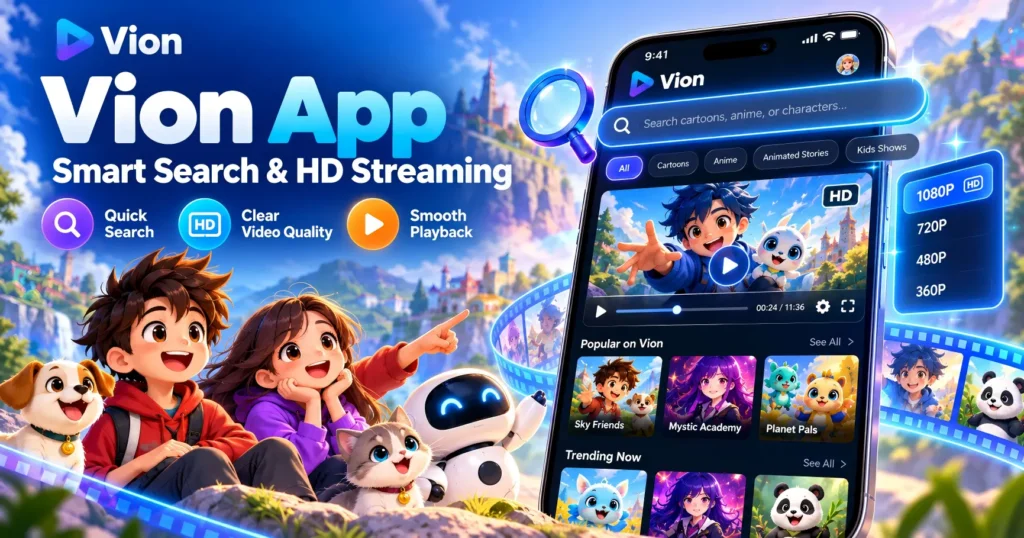
Some content may be available in higher video resolutions for clearer viewing. HD quality can improve detail, color, and animation. However, users generally need a faster internet connection to stream high-quality videos smoothly.
Smooth Video Playback
The application provides standard controls for watching available videos. Users can play, pause, rewind, and fast-forward as needed. Smooth playback mainly depends on internet speed, device performance, and server response.
Easy Content Search
The search option lets users find content without manually browsing every section. Users can enter a cartoon name, anime title, or related keyword in the search box. The system then displays matching results from the available library.
Category-Based Browsing
Content can be arranged into separate categories to make navigation easier. Users may browse cartoons, anime, animated stories, shows, and other available sections. This makes it easier to discover content according to personal interests.
Simple User Interface
The Vion App uses a straightforward, easy-to-understand interface. Menus and major options are arranged simply, so users can move between sections without unnecessary complexity.
Fast Loading Speed
Faster loading can make browsing more comfortable. Actual loading speed may depend on your internet connection, server availability, device performance, and app version. A stable connection generally provides better results.
Full-Screen Viewing
Full-screen mode gives users more space to watch animated videos without unnecessary elements on the display. It can make characters, subtitles, backgrounds, and visual details easier to see, especially on larger mobile screens.
Subtitle Support
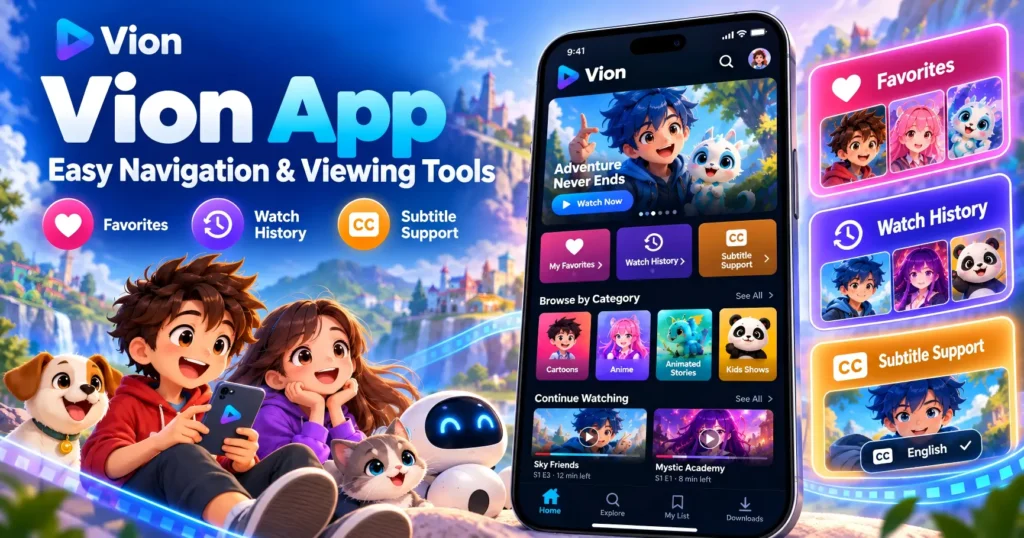
Certain available videos may include subtitles. This can help users understand dialogue when the audio is in another language. Subtitle availability may differ depending on the selected video or app version.
Watch History
Watch history can help users return to content they previously viewed. This is particularly useful for users watching longer cartoon or anime series. They can check recently viewed titles instead of searching again.
Favorites Option
Users may be able to save selected cartoons or anime to a favorites section. This helps organize preferred content in one place and makes it easier to return to selected titles later.
Content Recommendations
The application may suggest additional videos based on available content or viewing activity. Recommendations can help users discover cartoons, anime, or other animated entertainment they have not watched before.
Multiple Video Qualities
Vion Pro APK may provide different video quality options. Users can choose higher quality for clearer visuals or lower quality when using a slower internet connection. Available resolutions can vary between videos.
Regular Content Updates
The content library may receive updates from time to time. New cartoons, anime, or other videos can provide users with more entertainment options. App updates may also improve performance or fix common issues.
Mobile-Friendly Design
The application is designed mainly for mobile users. Its menus, buttons, categories, and playback controls can fit smaller screens, making it easier to browse and watch available entertainment on smartphones or tablets.
Easy Navigation
Clear sections make it easier to move around the app. Users can switch between categories, search results, favorites, history, and other available areas without dealing with overly complicated menus.
Video Playback Controls
Vion Pro APK provides familiar controls for managing videos. Users can pause, continue, rewind, or fast-forward content whenever required. These basic controls help make video viewing more convenient.
Family-Friendly Content
Some available cartoons or animated stories may be suitable for family viewing. Users can explore different entertainment options according to their preferences. Parents should still check individual content before allowing younger viewers to watch it.
Pros & Cons
Pros
- Simple and easy-to-understand interface.
- Different entertainment categories in one application.
- Search option for finding content quickly.
- Standard video playback controls.
- Full-screen viewing support.
- Multiple video quality options may be available.
- Favorites and watch history can improve organization.
- Suitable for compatible mobile devices.
- Animated content is organized into different categories.
- New content may be added over time.
Cons
- Performance can vary between devices.
- Some features may not be available in every version.
- Streaming depends on internet speed.
- Content availability may change.
- Some videos may not include subtitles.
FAQs
What is the Vion App?
The Vion App is an entertainment application focused mainly on cartoons, anime, animated videos, and similar content. It offers different categories and basic streaming features through a mobile-friendly interface.
Is Vion APK easy to use?
Yes. The application has a relatively simple interface. Users can browse categories, search for content, and use common video controls without dealing with complicated settings.
Can Vion App be used on mobile phones?
Yes. The application is mainly designed for compatible mobile devices. Users can access its available features through supported Android smartphones or tablets.
Does Vion MOD App require internet?
Most streaming features require an active internet connection. A stable connection can reduce buffering and improve loading speed while watching available videos.
Does Vion receive updates?
Vion may release new versions over time. Updates can include performance improvements, bug fixes, interface changes, or other modifications to available features.
Is Vion free to use?
Free features may depend on the application version. Users should check the details of the version they are using to understand available access and features.
How to Download and Install the Latest Version of the Vion App?
You can install the latest version of Vion on a compatible Android device using an APK file. Before installing, check available storage and make sure your device supports the app. Downloading the file from a trusted source can also reduce unnecessary risks.
Conclusion
Vion Latest Version is an entertainment-focused application designed mainly for users interested in cartoons, anime, and animated videos. It combines simple navigation, categorized content, search options, playback controls, and mobile-friendly viewing in one application.
Users can browse different entertainment sections and select videos based on their interests. Streaming quality and overall performance may depend on internet speed, device compatibility, and the particular version being used.